// guide · start here
// the colony page
The colony page is where the game is played. This page walks through it from top to bottom, using a colony that has been running for three weeks, so you know where to look for each thing and what it tells you.
A new colony shows less than this one: sections, resources and tabs appear as the colony reaches the levels that open them.
// at a glance
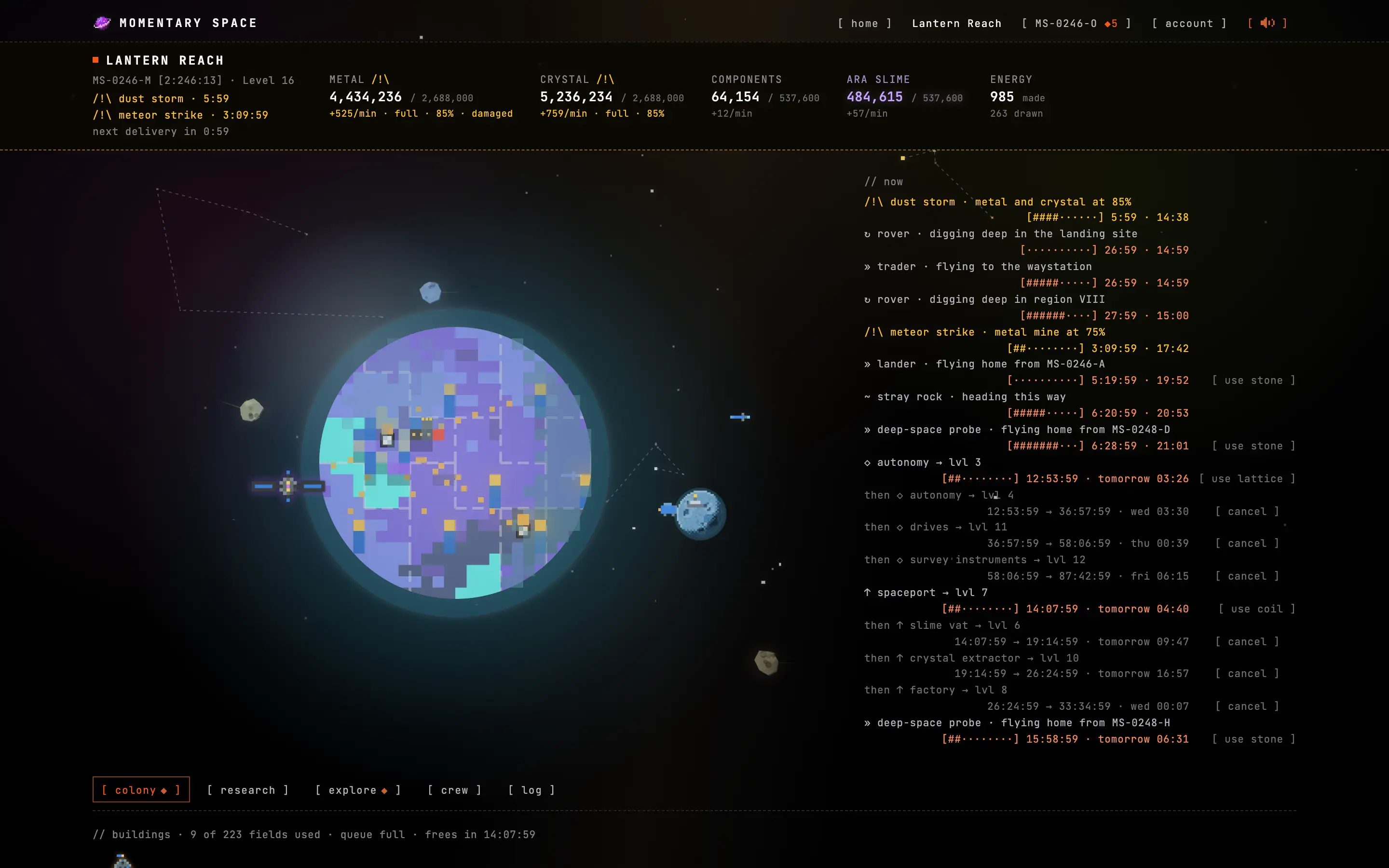
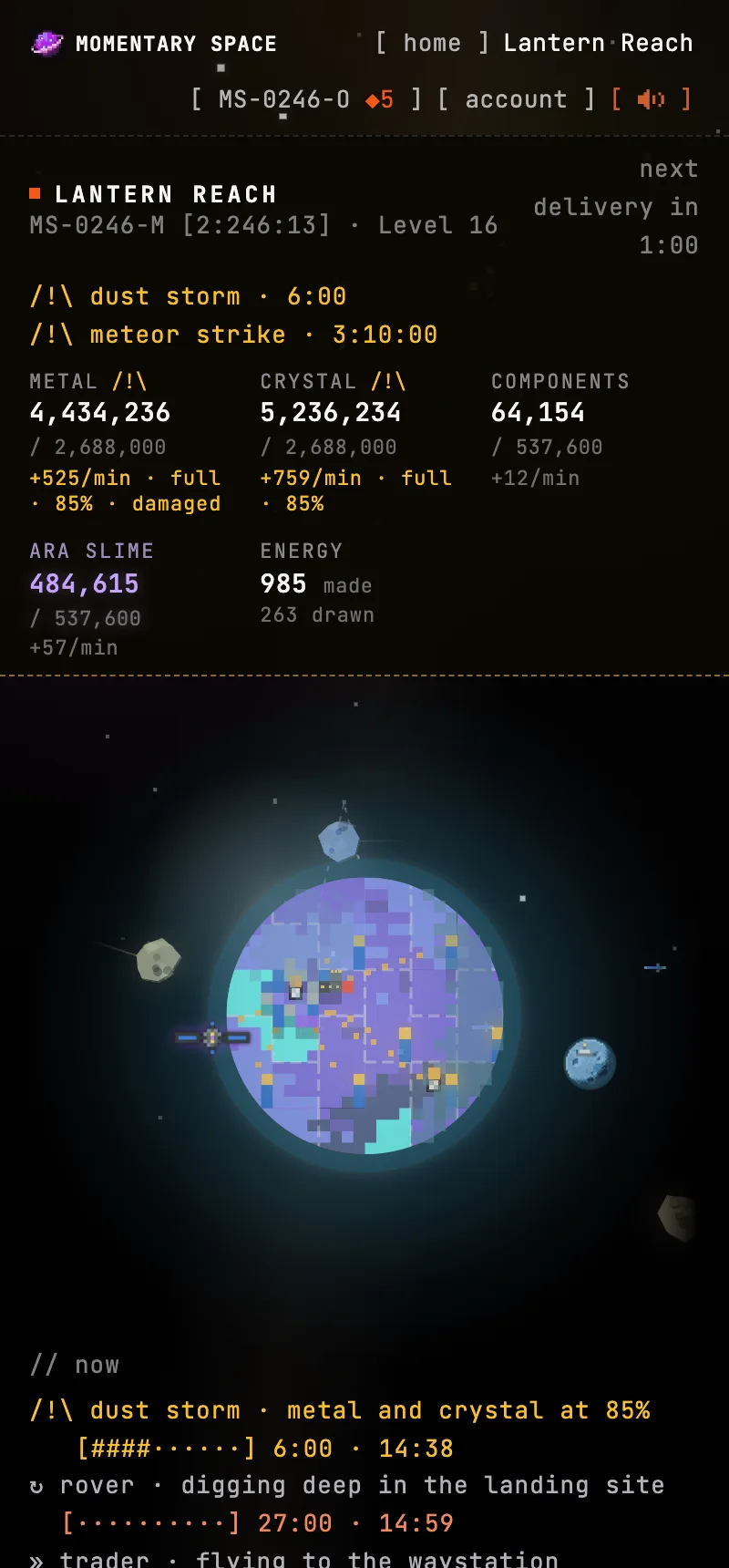
From the top, the page has a row of actions, the resource bar, the planet with a panel beside it, and five tabs under them both. On a phone the panel and then the tabs stack under the planet.
// the opening row
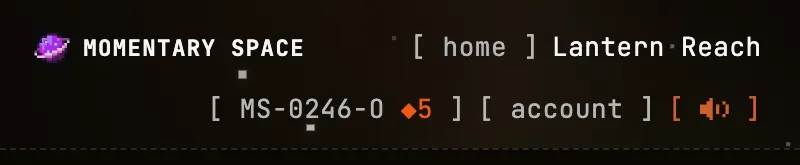
The row at the very top links back to the homepage with the logo and [ home ]. Once you hold more than one colony, the row also lists them all, so you can switch between them: the one you are looking at is named without brackets. [ account ] opens your session code, pace, text size and sign-out, and [ all settings ] there opens a page with your email, notifications, sign-in on another device, other apps and account deletion: the settings that belong to you rather than to a colony. [ guide ] opens the player guide. The small speaker at the end opens the sound settings.
// the resource bar
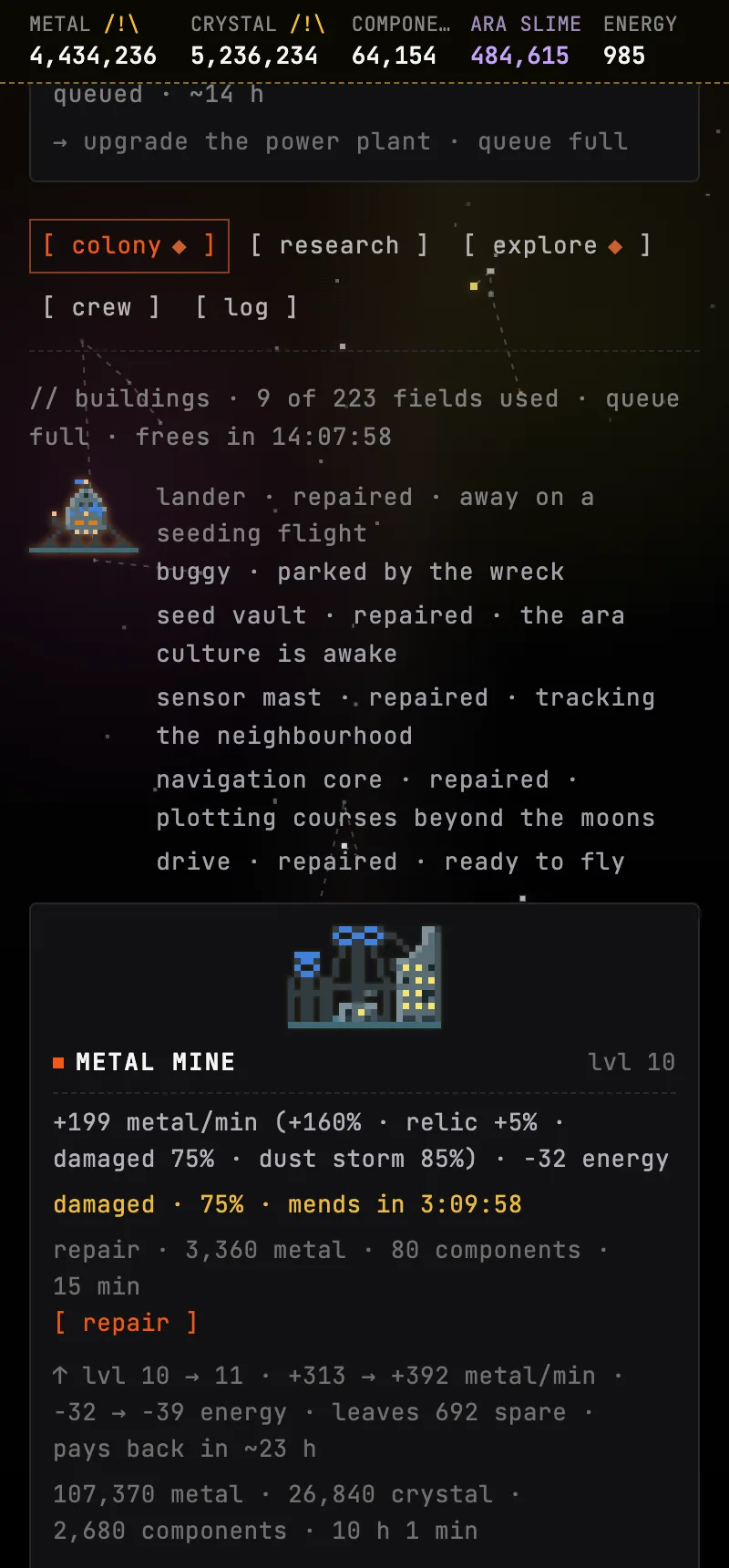
The resource bar names the colony, its coordinates and its level, then shows each resource the colony holds: its stock against what the stores can hold, and under it how much it makes each minute. Energy isn't stored, so it shows what the colony makes against what its buildings draw, in red when they draw more than it makes.

Hover over a resource's name for a short note on what it is for. Under the colony's name, each running event names itself with a countdown, and the last line counts down to the next delivery, when the minute's production lands in the stores. A running event also marks the resources it changes: /!\ for bad weather, in amber, and ✦ for good weather, in green.
Press the level, such as Level 16, for a glimpse of what the next few levels ask for.
On a phone, the full bar scrolls away with the page and a single row of stocks takes its place at the top of the screen.
// the planet
The planet is the colony's world, with its moons circling it. The base grows round the landing site as the colony builds, and once the surface is charted, dashed lines divide it into regions. Ships, rovers, barges and probes fly over the scene while they are out, and passing asteroids and comets drift across the sky.
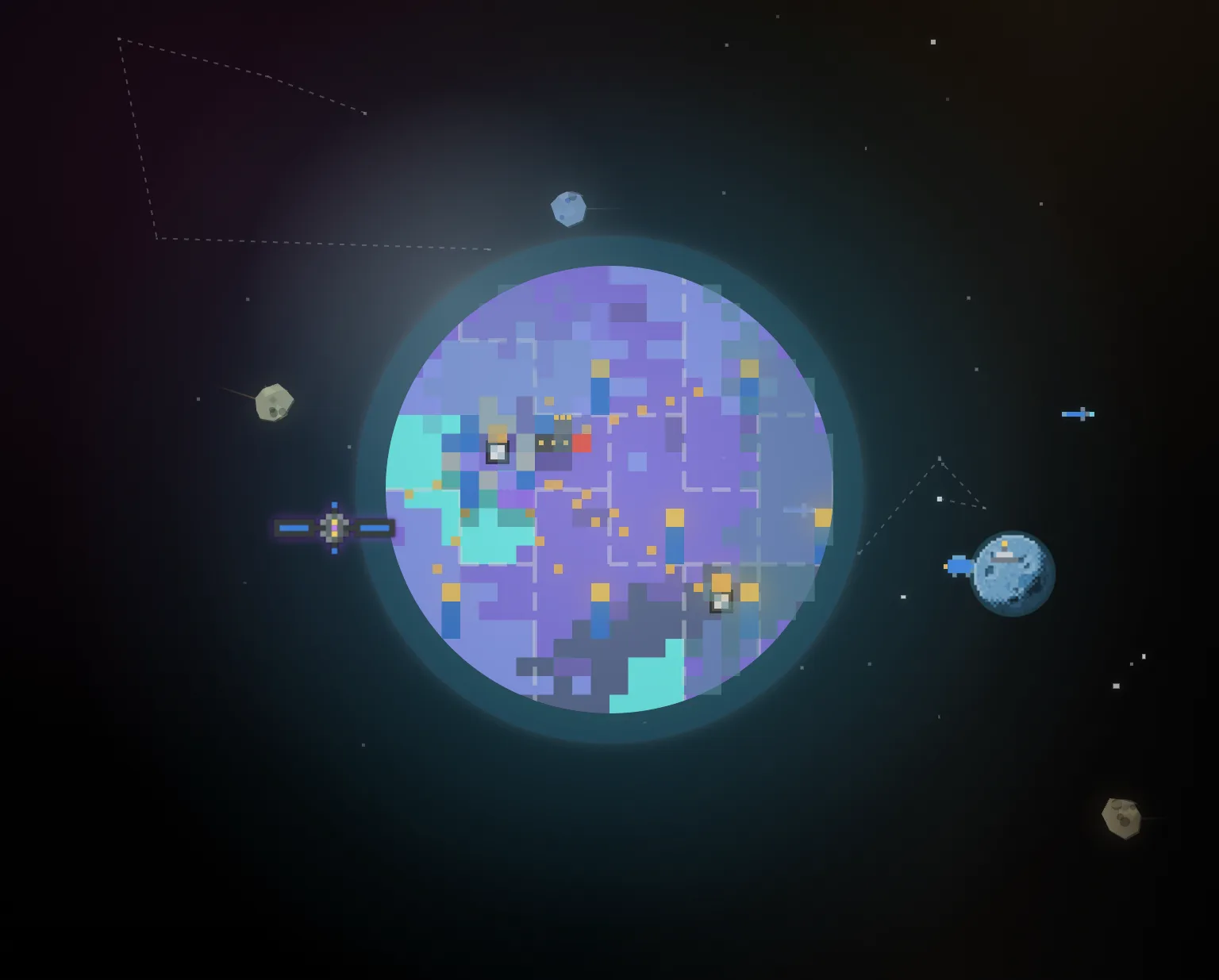
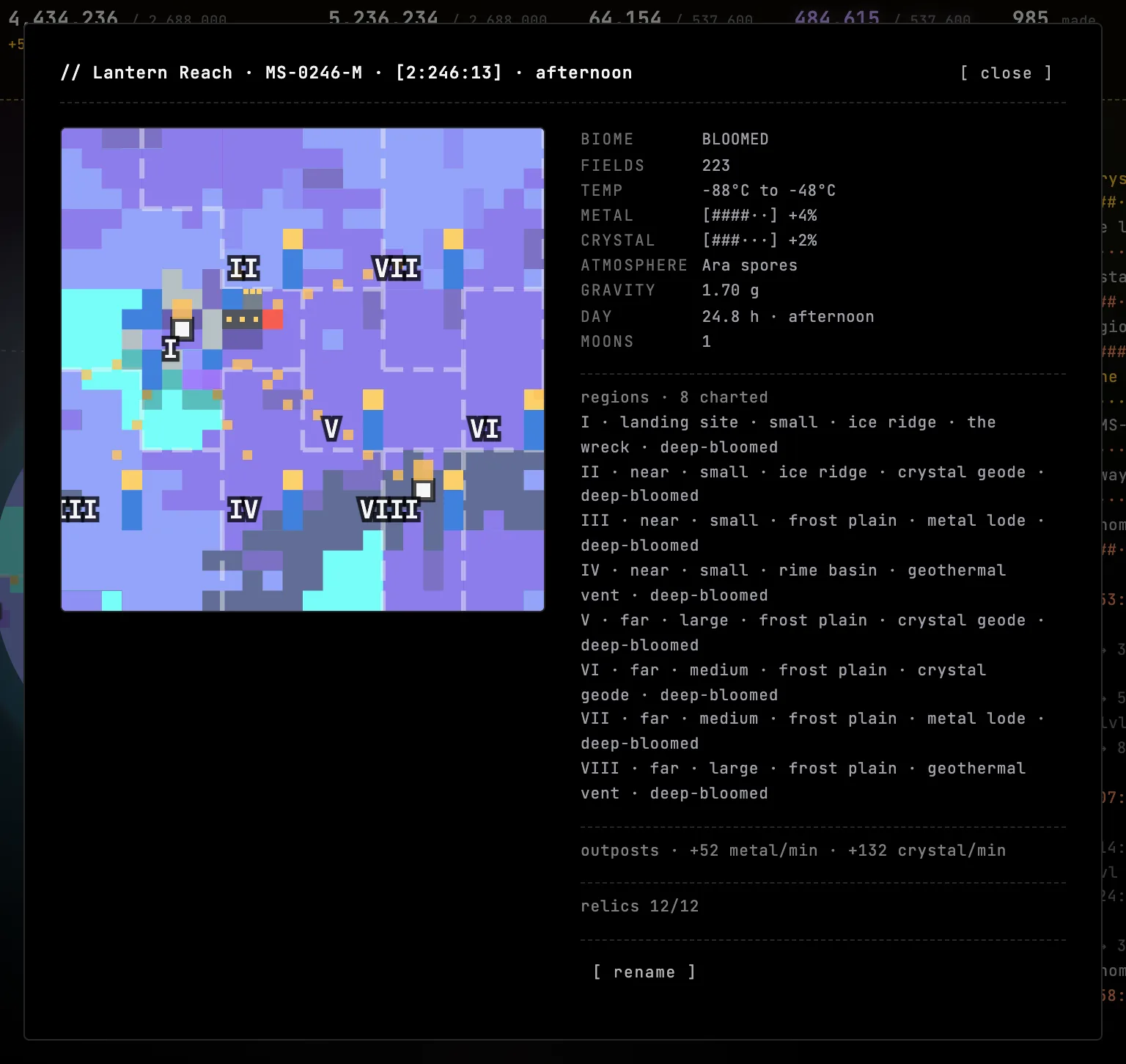
Press the planet to open its close-up: a flat chart of the whole surface beside a readout of the world, its regions and what the rover has found in them. Point at the chart to name what is there. Press a moon to open the moon's close-up, with its survey and any outpost on it. Escape or [ close ] closes a close-up.
// now and next
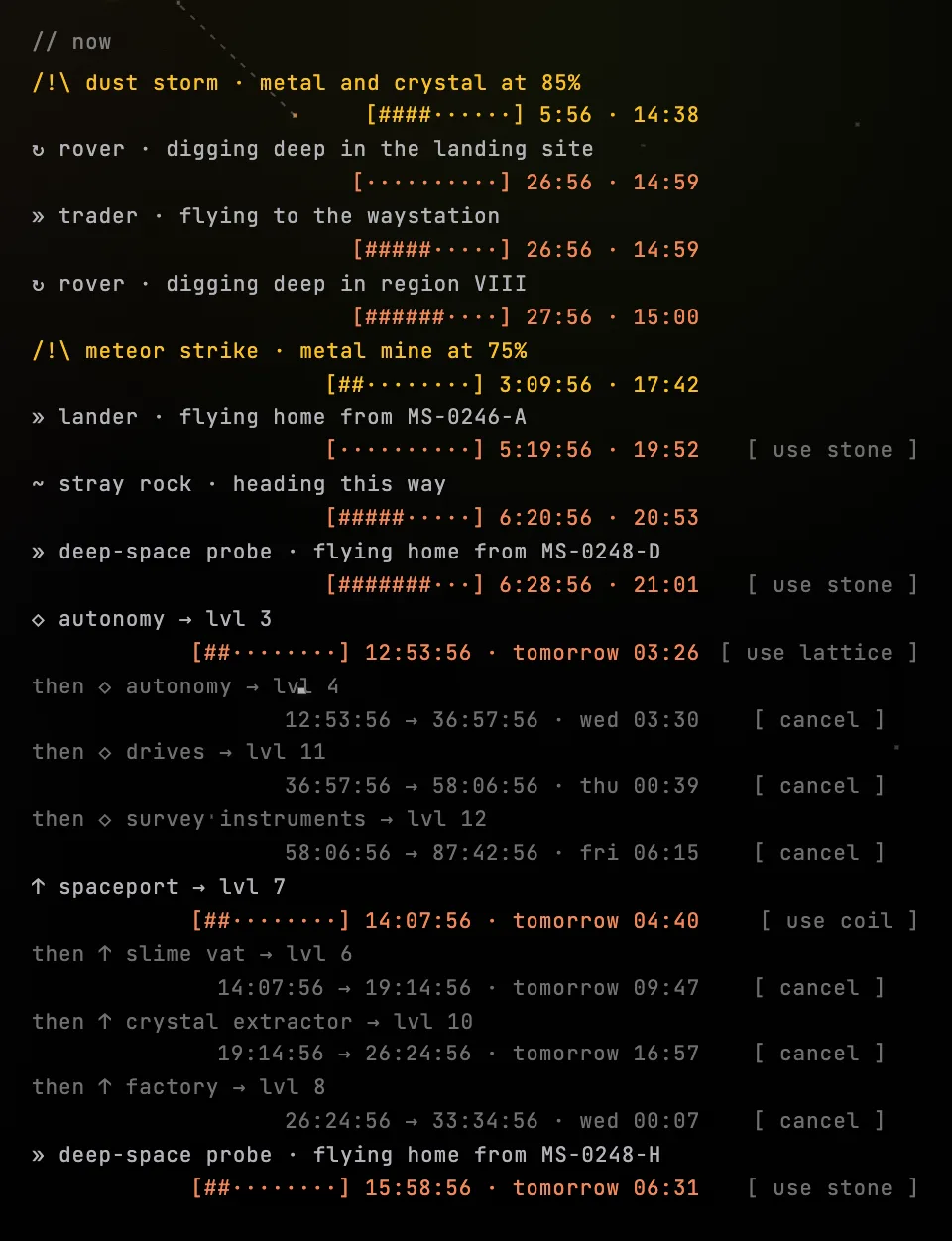
The panel beside the planet answers two questions. // now lists everything under way, soonest first, each with a bar and a countdown: builds and research, ships and rovers on their trips, growing patches, running weather. Items waiting in a queue sit under the one ahead of them, quieter, with [ cancel ] to withdraw one and get its cost back.
// next lists what the next level asks for, with a tick for each condition met. Below the checklist comes a hint for the next step, then the crew's story.
// the tabs
Five tabs under the planet sort the rest of the colony:
[ colony ]holds the buildings, with what each yields, its next level and the cards for buildings you haven't built yet.[ research ]holds the technologies.[ explore ]holds everything beyond the buildings: probes and moons, ships, the orbit, trade, the home system and the surface. A row of tabs at its top shows them all, or one section at a time.[ crew ]holds the crew's leads, projects and notebook.[ log ]holds the journal and the colony's log.
A ◆ inside a tab's brackets means something there can start right now. The same mark sits in the explore tabs and in a section's heading, with a count.

// one section at a time
Once a colony explores further than its moons, [ explore ] grows long. The row at its top, starting with all, lets you look at one section at a time: press orbit to see only the orbit, or system for the home system with the systems beyond it, and all to see everything again. The left and right arrow keys move between them, and the browser remembers your choice.

Each tab keeps its ◆ and its count while another section is shown, and all counts them together, so nothing that can start hides from you.

// the log
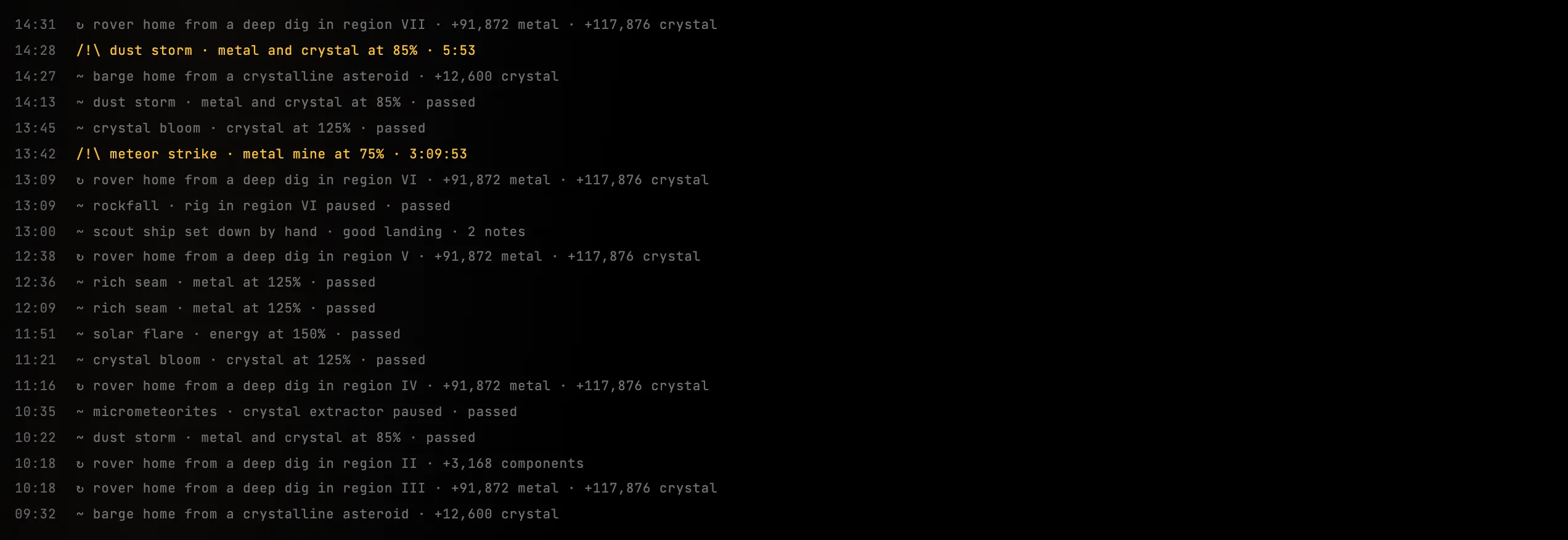
The [ log ] tab opens with the journal, which keeps the colony's story chapter by chapter, with the relics and curios the crew has found. Under it, // log lists the twenty most recent things that happened, newest first, each with the time it happened in your time zone: weather, returns home, levels and the crew's finds.
// while you were away
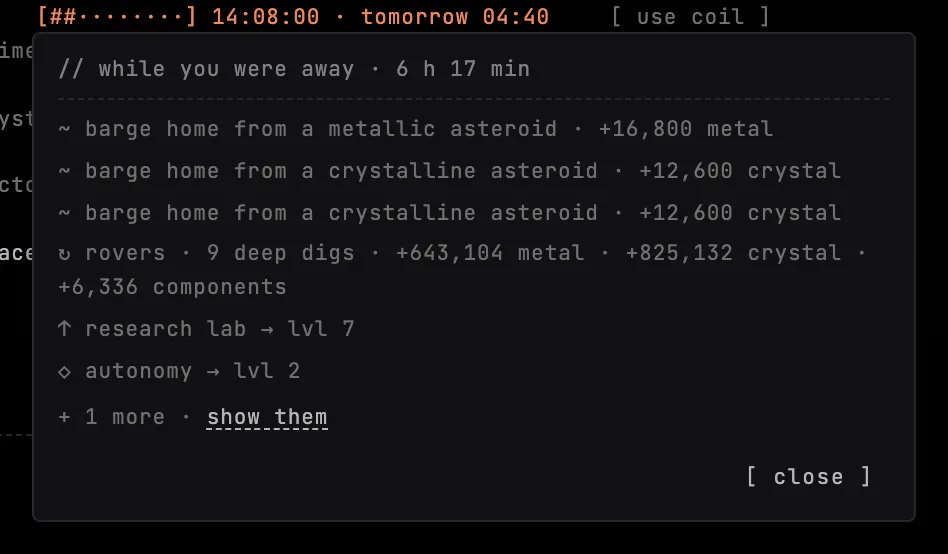
The colony keeps working while the page is closed. When you come back after ten minutes or more, a card in the bottom corner lists what finished meanwhile, the most important first: levels, finds, blooms and returns, then builds and research. show them lists the rest, and [ close ] or Escape puts the card away.
// sound
The game plays a soft drone tuned to your planet, an ambience that follows what the colony is doing, and small sounds when something finishes. Press the speaker in the opening row for the sound settings: master, ambience, effects and interface each have a switch and a volume, and the tones below them change the drone's character.
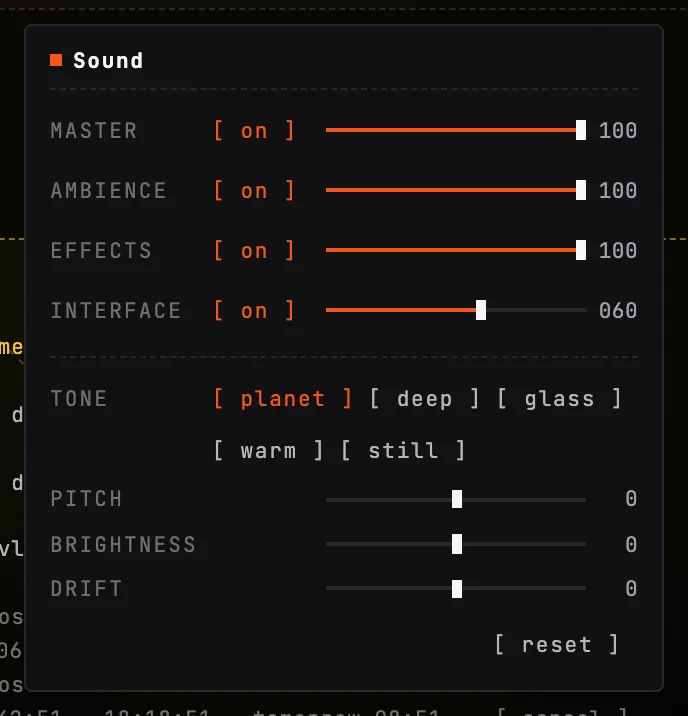
The browser keeps these settings, so each device has its own.