// guide · you
// the api and apple watch
The game API lets a menu bar, a widget or a script of your own read your colonies as JSON. It only reads: nothing that uses it can build, spend or change anything. This page covers making and revoking the token a client needs, and pairing an Apple Watch, which uses a token of its own.
The API docs are the reference for the API itself: its endpoints, their answers and its limits.
// make a token
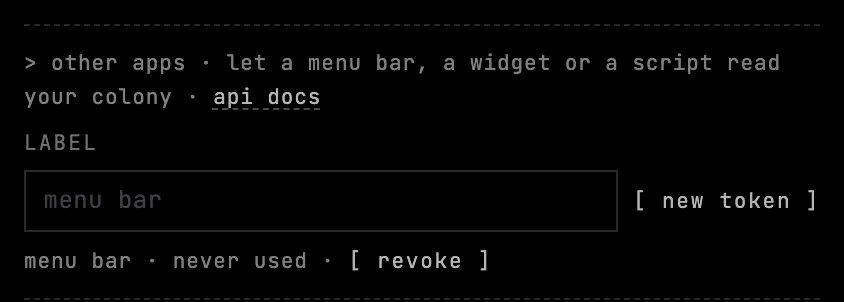
where to find it · [ account ] → [ all settings ] → other apps
- Open
[ account ], press[ all settings ]and find// other apps. - Type a label you will recognise later, such as
menu bar. - Press
[ new token ]. - Copy the token with
[ copy ]and paste it into your client.
The token starts with mst_ and is shown only once. If you lose it, make a new one and revoke the old. A token works until you revoke it, and signing out leaves it working. You can hold up to 20.
Your client sends the token with every request, as Authorization: Bearer mst_…. The getting started section of the API docs has a first call to copy.
// revoke a token
Under the label field, the settings list every token you hold, newest first, with when each was last used. Press [ revoke ] on a line to end that token at once. There is no confirmation, and the client that held it gets no further answers. Revoke a token you no longer use, or one you think someone else has seen.
// pair an Apple Watch
The Momentary app for Apple Watch plays your colony's drone and ambience through headphones paired with the watch, and lets you pick a tone on the wrist. It isn't in the App Store yet. If you have it on your watch, pair it with your account like this:
- Open the app on the watch. It shows a six-digit code and how long the code works.
- In a browser where you are signed in, open momentary.space/pair.
- Type the code from the watch and press
[ pair ].
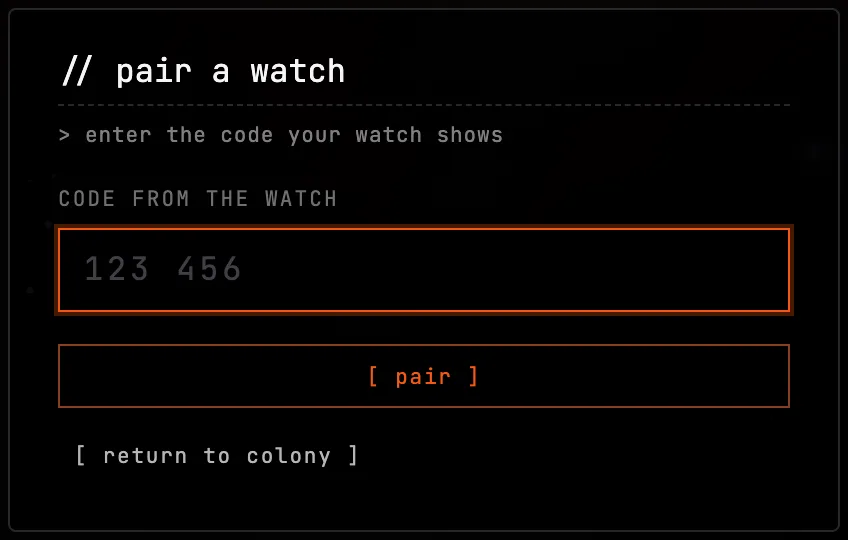
The page confirms the pairing, and within a few seconds the watch opens on the colony you last had open. A code works for 15 minutes; once it expires, the watch offers [ new code ]. Nothing in the game links to the pairing page, so type the address or bookmark it.
// unpair a watch
A paired watch holds an ordinary token, listed in [ all settings ] as Apple Watch with the watch's name. Press [ revoke ] on its line, or [ unpair ] on the watch itself, and the watch stops and returns to its pairing screen. Signing out of a browser leaves the watch paired.