// guide · exploring
// starships and hand landings
This page shows you how to build the colony's first starship, follow its flights and, once it patrols, land it on the pad by hand.
Starships open at Level 4, with the Space Travel research and a Spaceport. The Scout Ship comes first. The Mining Barge, which works the asteroids, follows at Level 7 and has a page of its own under Orbit.
// build the scout ship
where to find it · [ explore ] → // fleet
Once the Spaceport stands, // fleet shows a card for the Scout Ship. Press [ build ], or [ queue ] to line it up behind the Spaceport while that is still going up. The ship goes through the build queue like a building, but takes no field, and the colony holds one.
The minute the Scout Ship is built, the colony reaches Level 5.
// the overflight
The new ship lifts off by itself for a half-hour overflight of the planet. You will see it circle the planet in the scene, and its line in // fleet counts down to its landing. When it lands, the planet's surface is charted into regions, ready for the rover. The surface carries on from there.
// patrols
After the overflight, the Scout Ship patrols the planet every six minutes: it lifts off, flies three quick loops and sets down again. Its line reads on patrol while it flies and docked at the spaceport between patrols, with a countdown to the next change. A patrol needs nothing from you.

// land it by hand
While the Scout Ship is on patrol, its line ends in [ take the stick ]. With reduced motion turned on, the ship stays on its pad and its line reads docked at the spaceport, but the stick is still offered during each patrol. Press it to open the landing dialog and fly the last stretch down onto the pad yourself. Nothing waits on it: the patrol keeps its schedule whether you fly, let the crew fly or close the dialog.
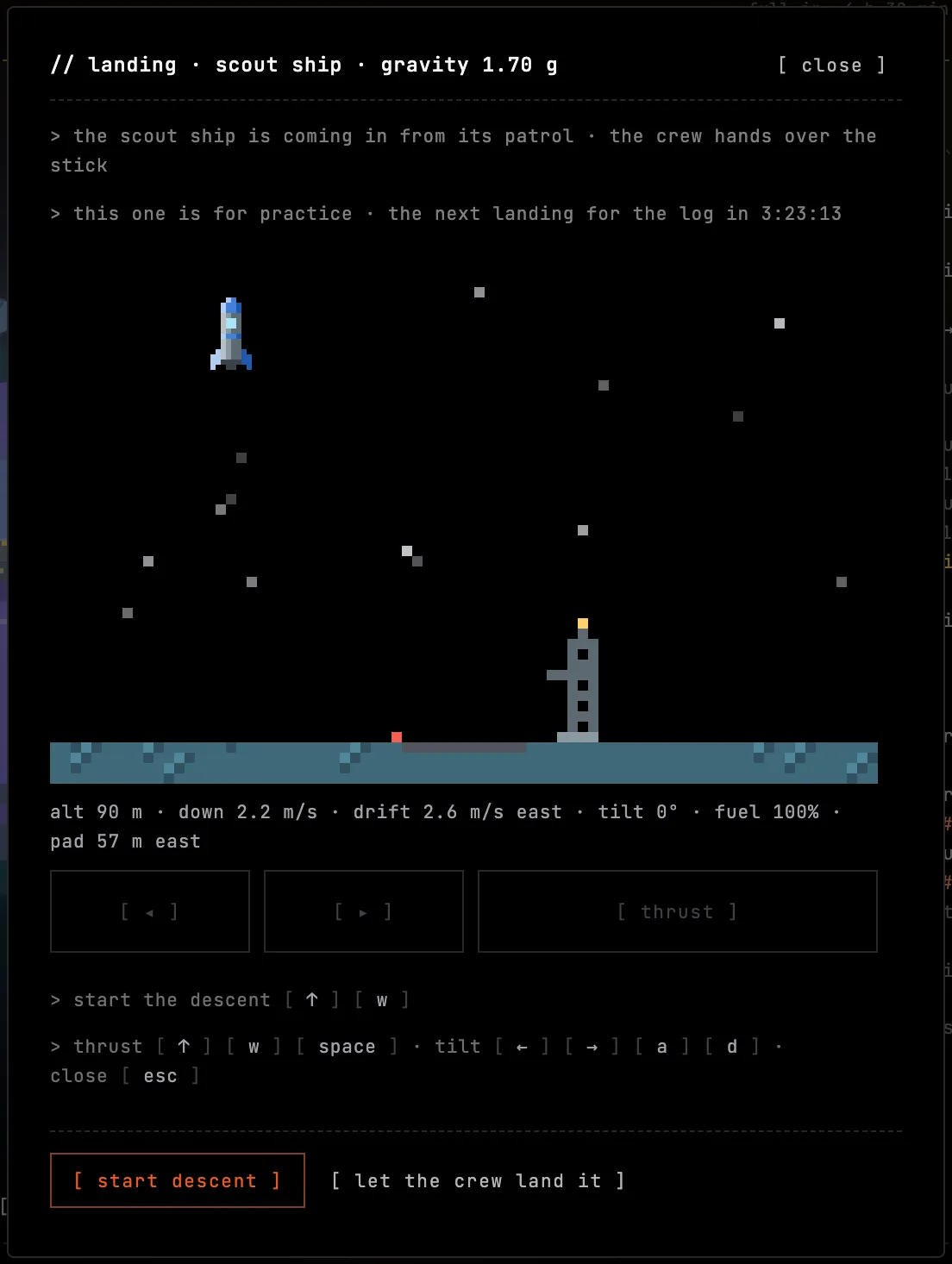
- Press
[ start descent ], or the up arrow or W. Nothing moves until you do. - Hold the up arrow, W or Space to fire the engine. On a touch screen, hold
[ thrust ]or anywhere on the field. - Tap the left and right arrows, or A and D, to tilt the ship a step at a time, or use
[ ◂ ]and[ ▸ ]. A tilt holds until you change it, and pushes the ship sideways while the engine fires. - Watch the readout under the field. It gives the height, how fast you are coming down and drifting, the tilt, the fuel left and how far the pad is.
downanddriftturn green while they are slow enough for a soft landing. - Come down onto the pad slowly and upright.
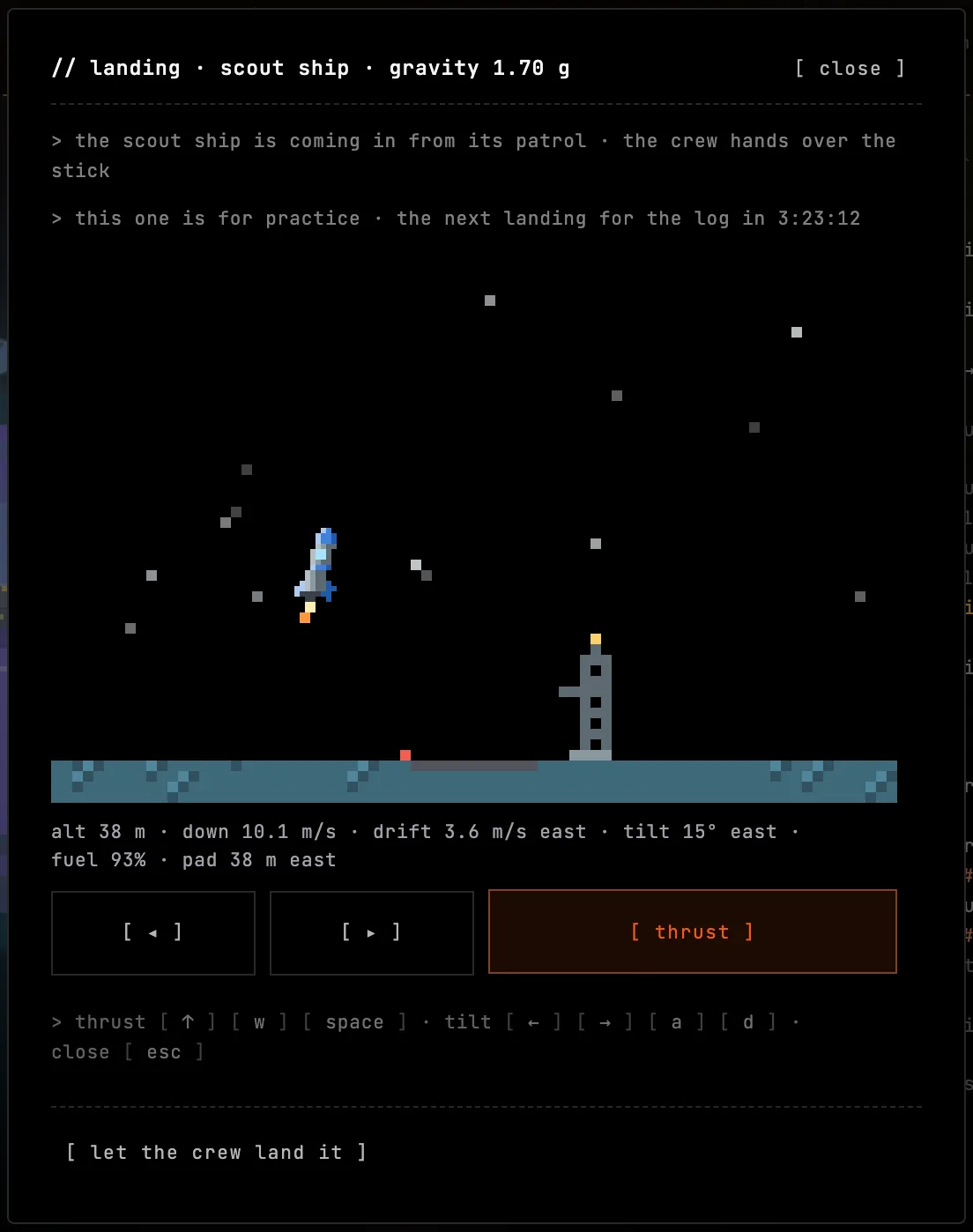
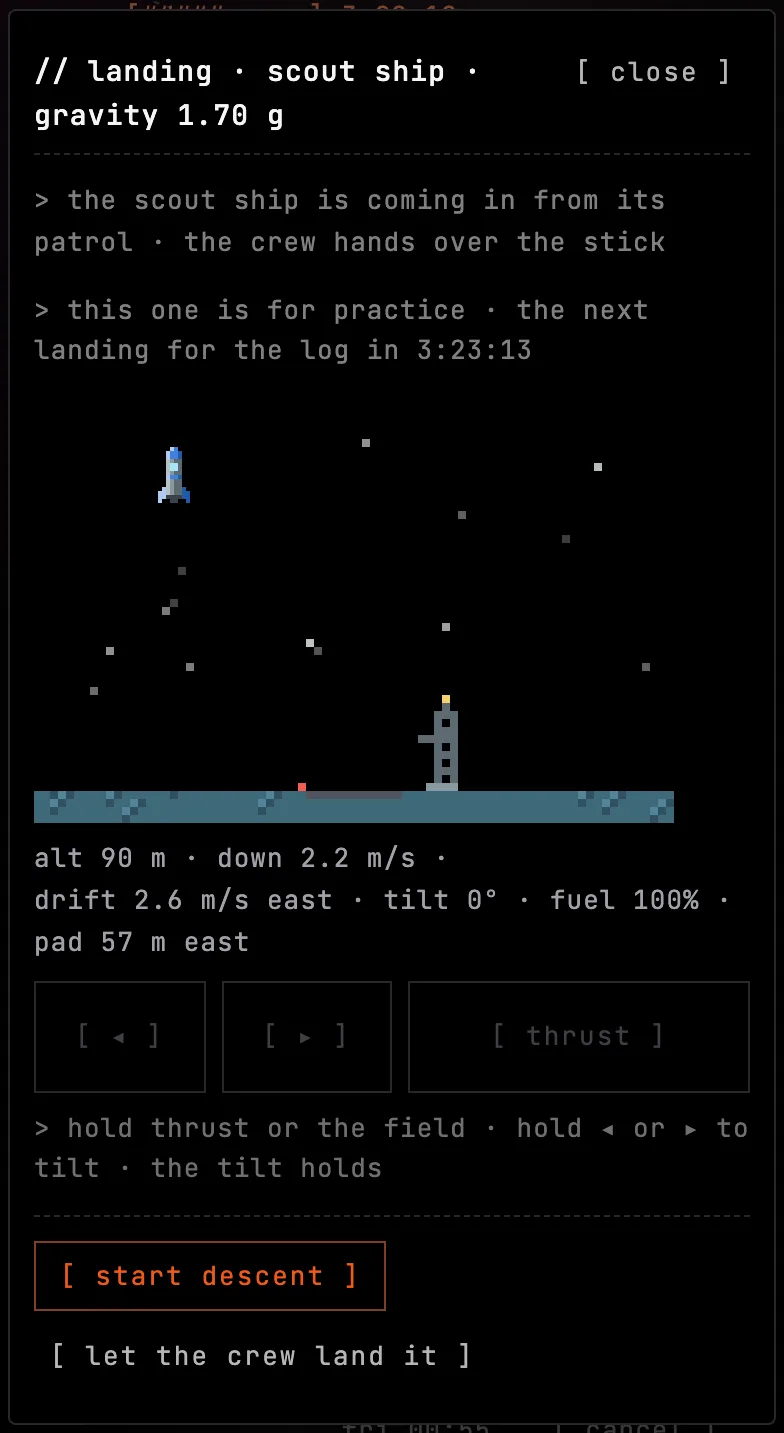
The heading names the world's gravity. On a heavy world the engine barely beats it and the fuel runs short, so don't brake too early. On a light world the ship floats, and the drift is the work.
If you would rather not fly, [ let the crew land it ] brings the ship down in a plain, even descent. After two minutes in the air the crew takes the stick back anyway.
// how a landing counts
At touchdown the dialog grades the landing: soft, good or rough, from where the ship came down, how fast and how upright. A rough landing is only a bump. The ship never breaks and nothing is lost.
The first landing you fly in each six hours goes in the colony's log and brings the crew a few notes for its notebooks: three for a soft landing, two for a good one and one for anything else, the crew's included. The dialog says which kind each flight is before you start. Every other flight is practice, and [ fly it again ] puts the same approach back to try again.