// guide · your colony
// energy and storage
Two limits slow a colony down without saying much: Energy that runs short, and stores that fill up. This page shows you how to spot each one and what to build when you do.
// read the energy balance
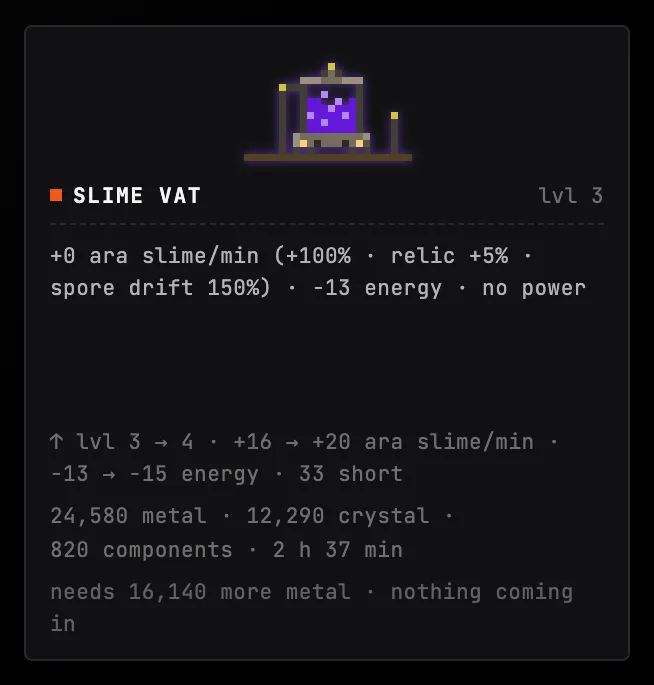
Energy isn't stored. Every minute the colony compares what its Power Plants make with what its buildings draw, and the resource bar shows both, as in 77 made · 59 drawn. Most buildings that produce something draw Energy, and each tile and card shows how much, such as −5 energy.
When the buildings draw more than the colony makes, the figures turn red, the bar adds short, and every producing building slows down by the same share. A colony that makes 20 Energy for buildings that draw 30 runs at two thirds of its output, and each tile says so, such as 66% power. A building put up before there is any power at all reads no power and makes nothing.

// fix an energy shortfall
If the colony is short of Energy, any of these brings it back to full output:
- Upgrade the Power Plant. Its tile shows how much more Energy the next level makes.
- Research Energy Efficiency, which cuts what every building draws by a tenth.
- From Level 5, research Energy Systems, which raises the Energy produced with each level.
- Put an outpost on a moon whose survey found ice. It makes Energy and draws none: see Probes and moons.
Check the Energy before you queue a building that draws it. A tile's next level and a card under // build both show the draw it adds, so you can upgrade the Power Plant first.
// keep the stores from filling
Metal, Crystal, components and Ara slime are kept in stores, and each store has a limit. The resource bar shows each stock against its limit, as in 2,554 / 5,000. A new colony holds 1,000 Metal, 1,000 Crystal and 200 components.
Once a store is full, the colony stops producing that resource, and the bar adds · full to its rate. What isn't made doesn't count toward the next level either, so a full store holds the colony back until you spend some of it. The other resources keep coming. When every store is full, the delivery line reads stores full · production waits for room.
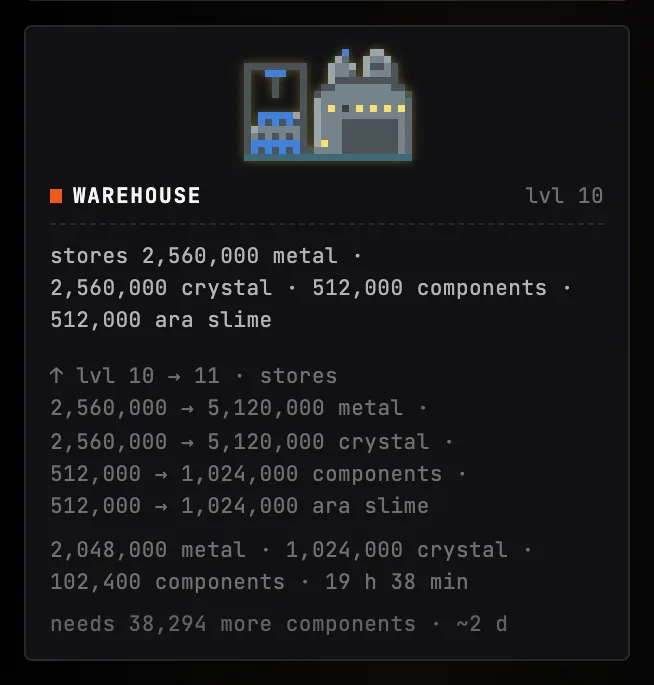
To store more, build the Warehouse, which raises every limit fivefold, then upgrade it. Each level doubles every limit, and the tile shows the new ones before you pay. A level always costs less Metal than the level below can hold, so the next Warehouse is always within reach.
Spending works too: start something in a queue before you leave, and the stores have room to fill while you are away.
// cargo past the limit
Some things arrive in full even when a store is full: cargo that a rover, barge, probe or trader carries home, and the cost of a cancelled item coming back. They can take a store past its limit, so the bar may read 7,920 / 5,000. A store over its limit produces nothing until spending brings it back under. Windfalls from the weather only fill a store up to its limit.