// guide · exploring
// more colonies
This page shows you how to settle a second colony on a world the lander has bloomed, and how to move between your colonies once you hold more than one.
Settling opens when your home colony, the first one you founded, reaches Level 15. It allows one more colony at Level 20, another at Level 25 and so on.
// choose a world
where to find it · [ explore ] → // system
Only a world the lander has bloomed with its six seedings can be settled, so the colony has to have seeded one first: see Ara slime and blooming. By Level 15 the lander has usually bloomed two or three, so there is a choice. Each bloomed world in // system, or in a system beyond it, carries a settling line under its outpost, with the load the settlers take and the length of the flight.

// send the settlers
- Make sure the lander is home and the home colony holds the load: Metal, Crystal, components and Ara slime, as the line shows. The line names what is missing if it can't start.
- Press
[ settle ]on the world you want. The load is paid from the home colony's stores. - The lander flies the settlers out. No seeding flight leaves while it is away, and the flight can't be called back.
- The minute it lands, the colony is founded, and the lander flies home empty. The world's line in
// systemthen reads its level and offers[ visit MS-0421-D ].
// a new colony
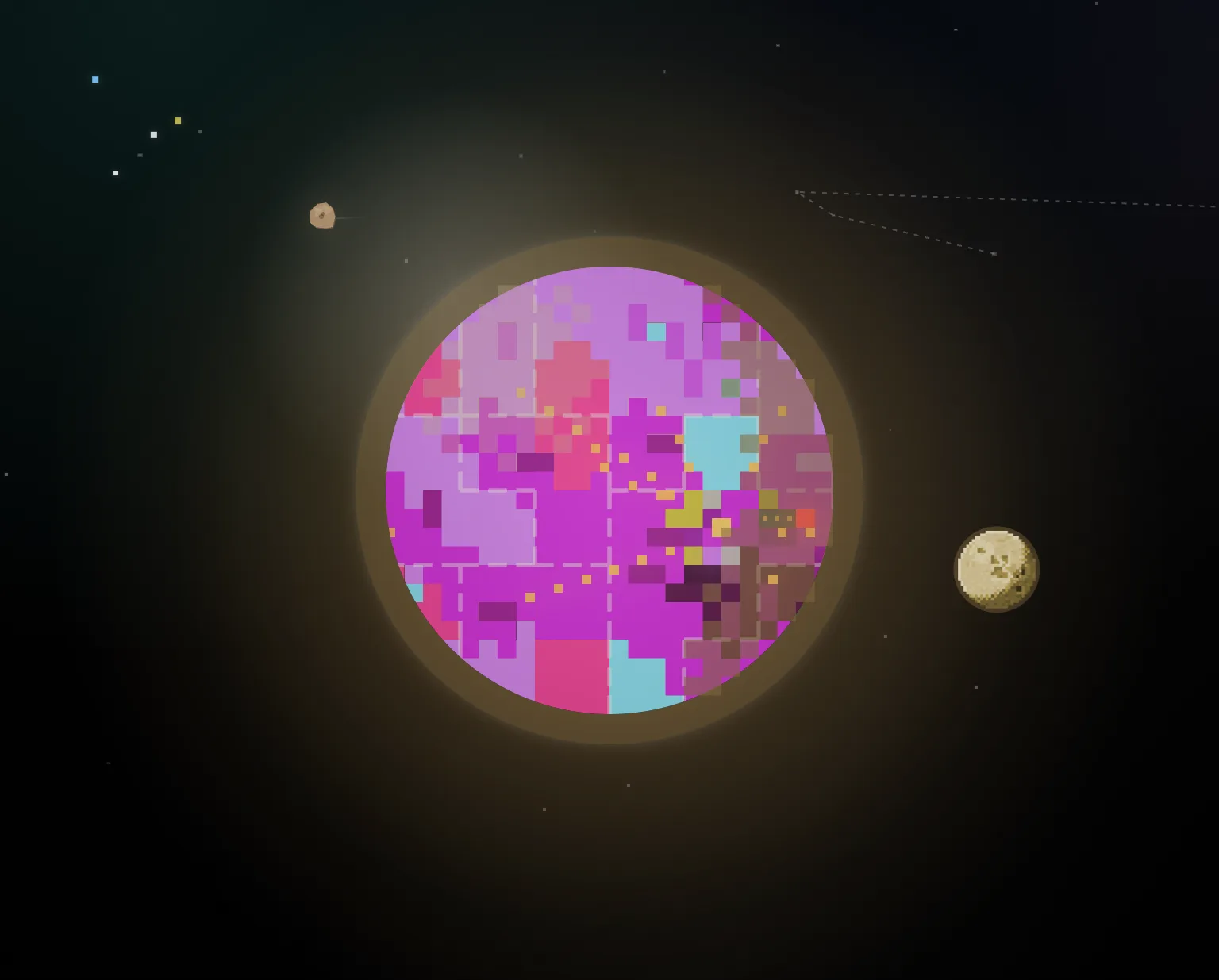
A new colony starts at Level 4, on the world as you charted it, with every region already bloomed and the settlers' load in its stores. It is a real colony, with its own buildings, stores, build queue, Factory, moons, surface, weather, level and log, at an address of its own.
Some things stay with you rather than with one colony, so a new colony starts with them:
- Research. Everything you have researched holds in every colony, and there is one research queue, paid from the colony you queue from. A new colony needs no Research Lab and isn't offered one.
- Relics and curios. One collection, whose bonuses hold everywhere.
- The home colony's reach. The wreck and its repairs, the lander, the deep-space probes, charting and world outposts stay at home. What they unlock holds everywhere, so every colony sees its own asteroids and can build a Slime Vat.
A new colony reaches Level 5 with its first starship, as at home. After that it levels by counting the levels its buildings, rigs and your research gain, and its levels are its own: they never count toward the home colony's.
// switch between colonies
Once you hold two colonies, the row at the top of the page lists them all after [ home ], in the order you founded them, by name or designation. The colony you are looking at is named without brackets. Press another to open it.

Each colony keeps its own page, sky and while-you-were-away card. The homepage's Return to colony and signing in open the colony you last had open.
One email or notification still covers all your colonies, with a line from another colony starting with its name. Your colonies only count as waiting once everything you started in all of them has finished.
To move resources between colonies, send freight with a trading post: see Trade and freight.
The crew's leads reach across your colonies too: a lead can ask for freight to another colony, and when two colonies want the same thing, such as the lander for a seeding flight, the crew puts it to you as a council in both. See Leads and visitors.